
Spark Labs is becoming the new Spark AI
Spark Labs retires on November 16, 2026. Move your prompts, assistants, and files to the new Spark AI before then, and pick up right where you left off - at no charge.
Need something from Labs first? Sign in to Spark Labs until November 16.
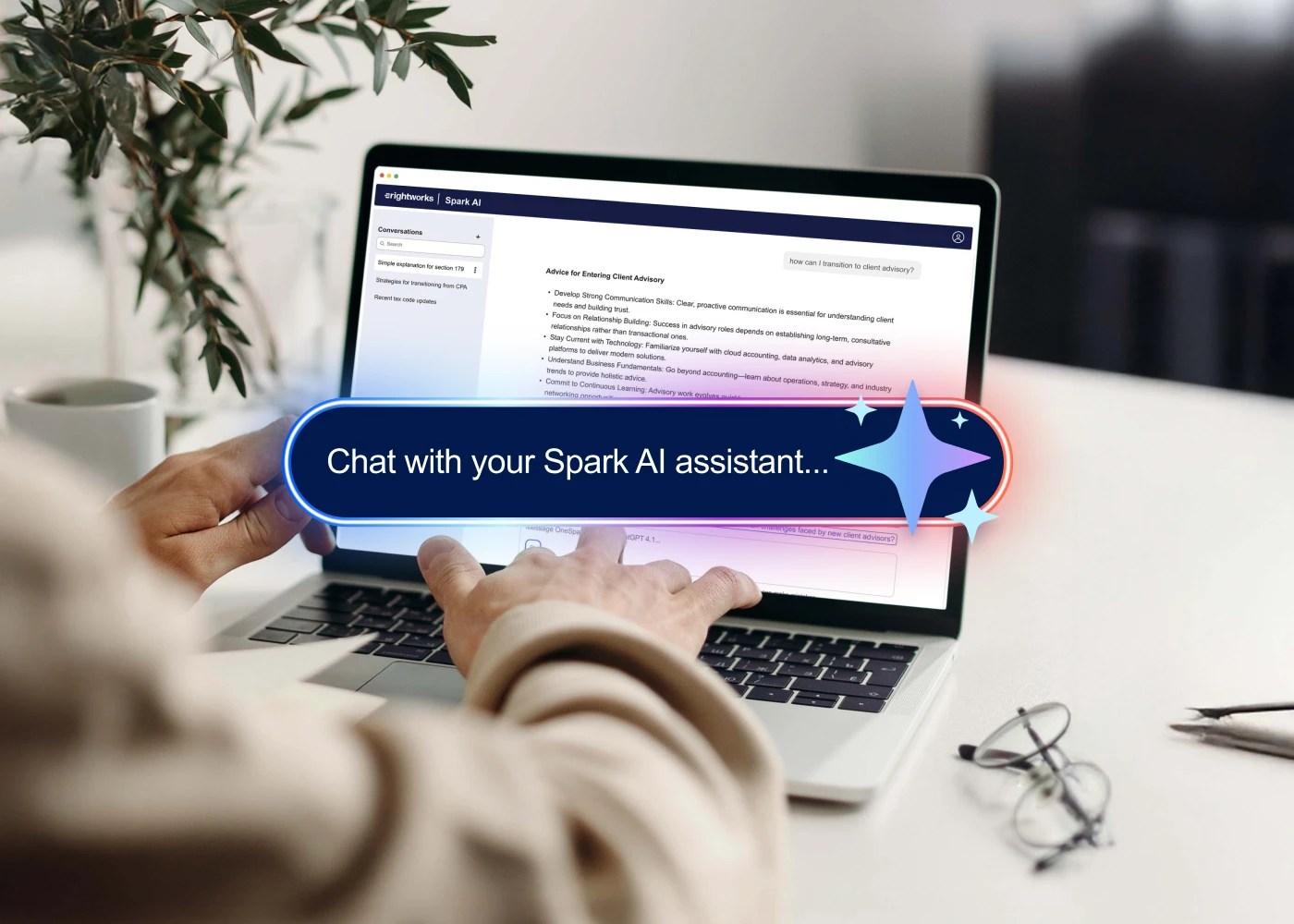
Three steps to bring your work with you
-
Step 1
Sign in to the new Spark AI
-
Step 2
Move what matters.
Copy and bring over the prompts, assistants, and files you use most.
-
Step 3
Keep working.
Once your content is moved, you’re all set.
Why we’re making this change
Better experience. One place.
Spark Labs is where you helped shape what secure AI for accounting should be. Now everything we learned comes together in the new Spark AI: a cleaner, more modern experience and the foundation for what’s next.
What’s waiting for you
- Your prompts, files, and conversations stay private and are never used to train public AI models.
- Updated AI model for stronger, more accurate outputs
- Web search for more current, relevant responses
Frequently Asked Questions
-
November 16, 2026. After that date, you won’t be able to sign in to Spark Labs or the Labs Community.
-
Move the prompts, assistants, and files you want to keep to the new Spark AI before November 16. Step-by-step guide
-
Sign in at Spark in OneSpace.
-
No. You’ll need to move the content you want to keep. The guide walks you through it.
-
You’ll lose access on November 16.
-
No. Spark Labs already stopped billing.
-
Community access ends November 16, 2026. Save any posts or resources you want to keep before then.
-
Visit the Spark AI Knowledge Base.
Don’t leave your work behind
Move your content before November 16.
Questions? Spark AI Knowledge Base